

01
Important workflows live across several spreadsheets.
Standard software is useful while it can support the real workflow. When teams rely on extra spreadsheets, duplicate data entry and manual handovers, a custom application can become the better solution. We develop web-based systems that model real processes, bring information together and can evolve with the business.
Discuss your software ideaSTARTING POINT
Important workflows live across several spreadsheets.
Information has to be copied between disconnected systems.
Standard software cannot represent critical exceptions.
Ownership and status are not visible in one place.
Clients or employees need secure access.
Recurring tasks create unnecessary manual work.
Existing applications need a shared interface.
An internal system needs to grow step by step.
SCOPE


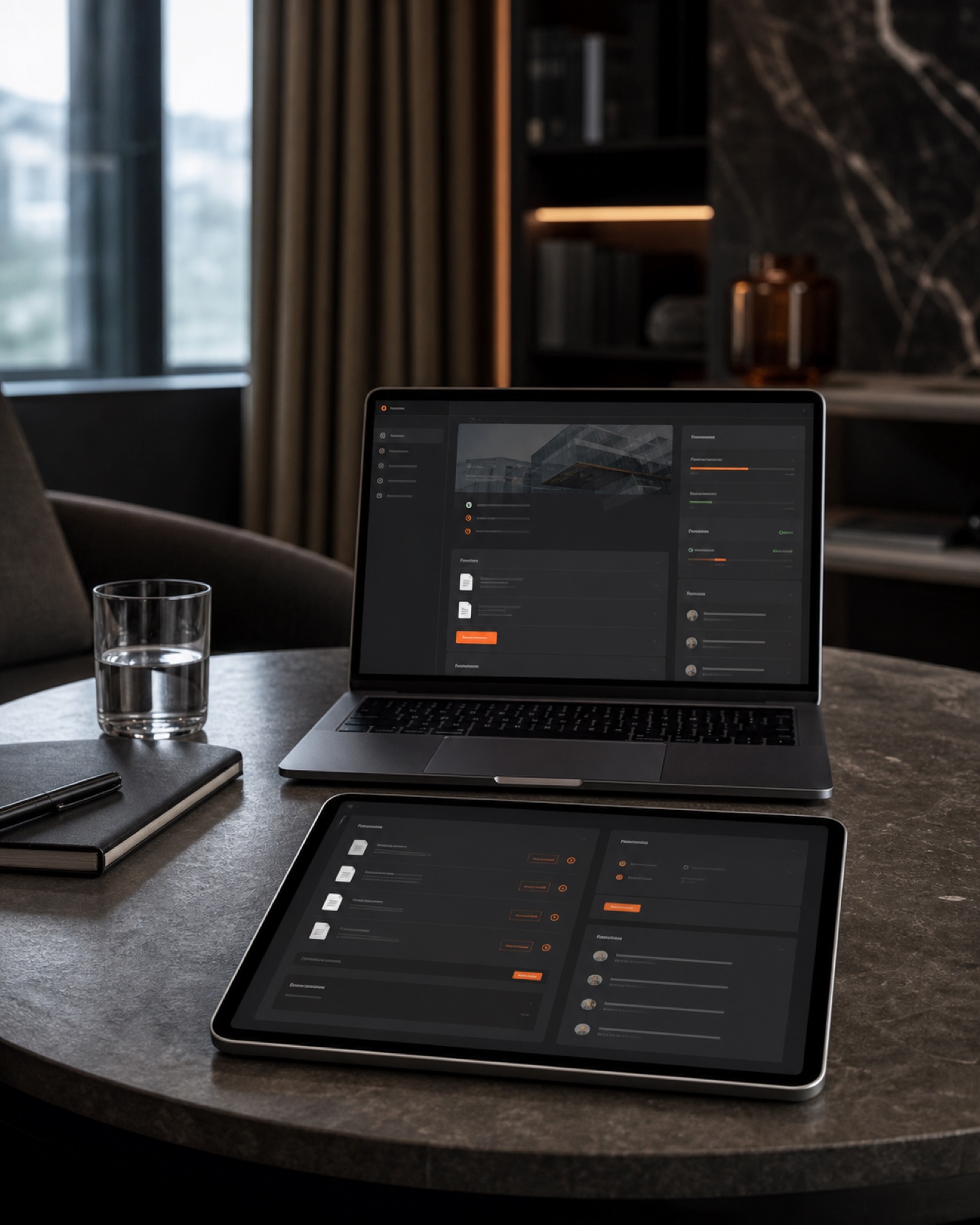



Lead distribution, call outcomes, callbacks, proposal status, follow-up processes, tasks and reporting in one application.
Browser-based applications for internal or external users with role-specific functionality.
Secure spaces for documents, requests, status updates, approvals and communication.
Systems for enquiries, orders, appointments, tasks, approvals and documentation.
Connections between existing applications, forms, databases and external services.
Tailored processes for enquiries, reservations, availability and internal handling wherever the required interfaces are available.
HONEST BOUNDARIES
If a standard product meets the requirements reliably, it is often the more economical choice. Custom development is most valuable when a core process works differently, several systems must be connected or a proprietary digital workflow creates a clear commercial advantage.
PROCESS
Understand the process and the problem
Define users, roles and permissions
Prioritise essential functionality
Review data sources and interfaces
Build the first usable version
Test real workflows
Resolve issues and refine requirements
Plan launch, handover and future development
Understand the process and the problem
Define users, roles and permissions
Prioritise essential functionality
Review data sources and interfaces
Build the first usable version
Test real workflows
Resolve issues and refine requirements
Plan launch, handover and future development
FAQ
Clear answers, without the sales detour.
Costs depend on user roles, functionality, data model, interfaces, security requirements and the expected roadmap. The necessary scope is clarified and prioritised before a proposal is prepared.
No. It is often better to start with the most important workflows and expand the system based on real use.
That depends on available interfaces, access rights and the technical conditions of each system. Feasibility is assessed before implementation.
No. AI features are only used when they make sense for a specific workflow and are technically and legally responsible.
Data processing, access rights, hosting and contractual responsibilities are agreed before the project begins. Specific legal terms must form part of the project agreement.
NEXT STEP
Describe the process to us. We will assess whether standard software, automation or a custom application is the most sensible route.
Discuss your software idea